CatLLM Desktop: A Mac App for Classifying Text Without Writing Code
Published:
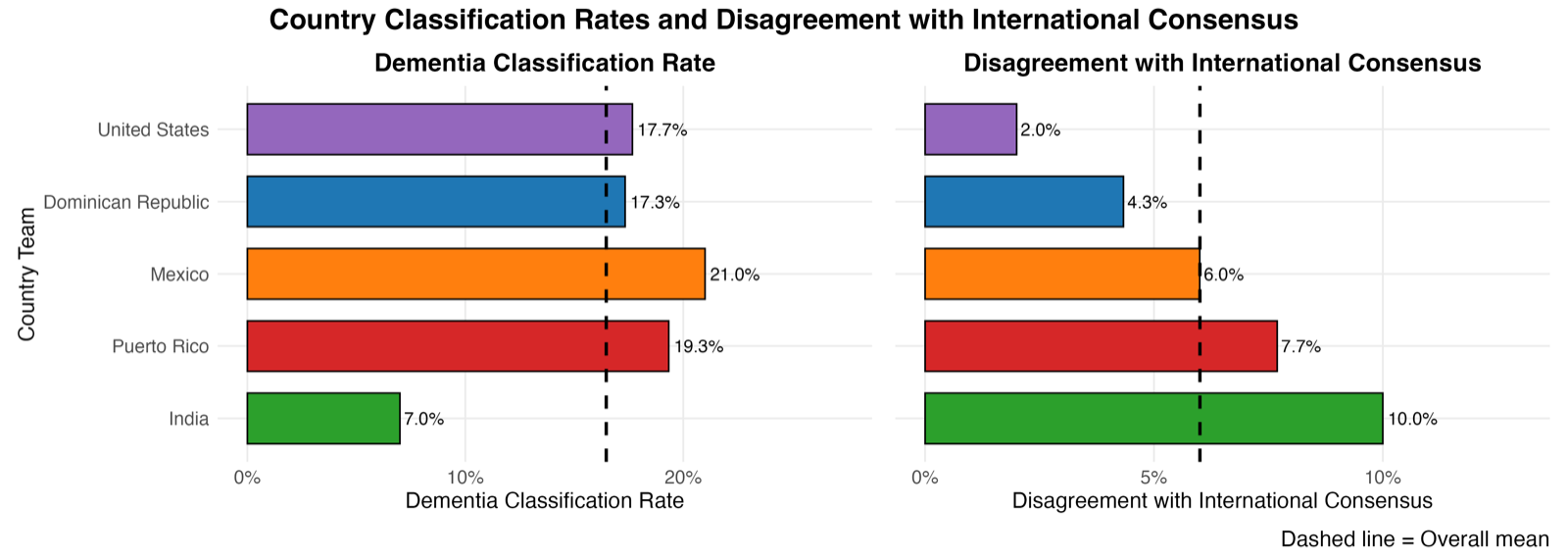
CatLLM is an open-source Python and R toolkit for classifying open-ended text with large language models. For survey classification, the defaults are calibrated against the consensus of double-blind coding by sociologists and demographers across multiple datasets — yielding 88% to 99% agreement with human coders across 30+ LLMs depending on the task (Soria 2026). The same engine underlies separate packages for political text, social media, academic papers, and other domains, and the toolkit has been used in several academic research papers.
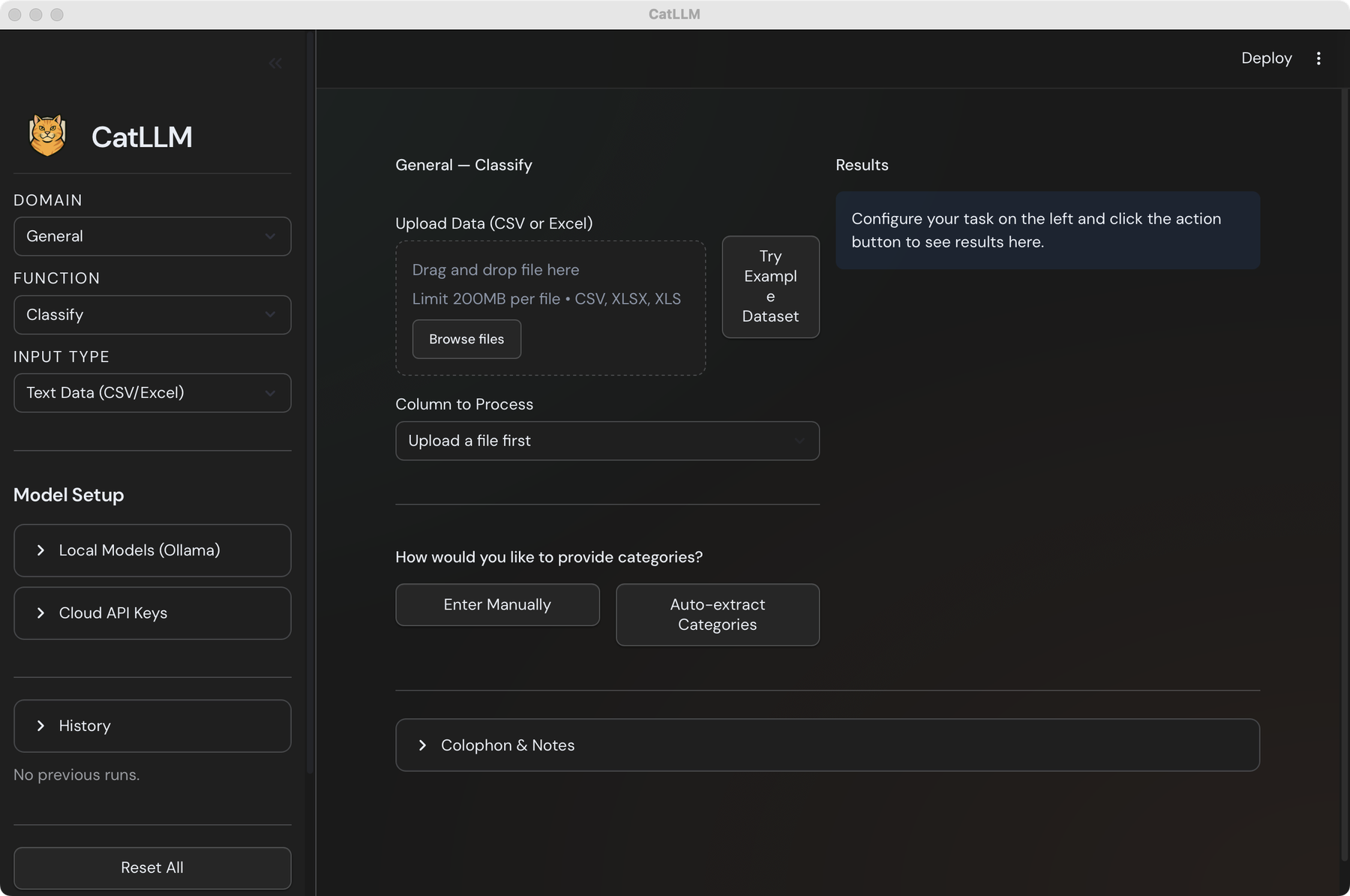
CatLLM Desktop is now available. The Mac app is the same cat-llm pipeline that powers the Python and R libraries, wrapped as a self-contained application — no Python install, no terminal, no reticulate, no API gymnastics. Drag in a CSV or Excel file, choose categories, and download a coded dataset. The Apple Silicon .dmg (286 MB) is on Hugging Face today, linked from the download section on catllm.com; Intel and Windows builds are planned. On first launch, macOS Gatekeeper will say it can’t check the app — right-click the app in Applications → Open → Open, and you can verify the download against the matching SHA-256.
The core workflow is a no-code classify-from-spreadsheet: pick a Domain (General, Survey, and so on) and a Function (Classify, Extract, Explore, Summarize) from the left sidebar, drop in a CSV or XLSX file up to 200 MB, choose the column you want coded, and either type your categories in directly or let the app auto-extract a candidate taxonomy from a sample of the data. Results appear on the right, ready to download as a CSV. The outputs are bitwise the same as what the Python library produces with the same configuration, which means anything coded in the app can be re-run later in code without re-validating the defaults.
Model setup exposes both paths the package supports: cloud API keys (OpenAI, Anthropic, Google) entered once and stored locally on the machine, or local models served by Ollama. The privacy implication matters for survey work — with Ollama, no response text ever leaves the laptop, which is the friction-free path for IRB-bound research, clinical text, or collaborators who can’t legally send respondent data to a vendor. The provider-agnostic engine underneath is the same as in the library, so swapping gpt-5 for qwen2.5:14b is a dropdown change, not a code change.
The piece that ties this back to the library is the Deploy button at the top right: it emits the equivalent Python (and R) script for whatever you configured in the GUI, so a classification run is not a black box. The script is reproducible — commit it to your repo, paste it into a paper’s supplement, or hand it to a co-author who already works in code. That’s the bridge the app is meant to be: collaborators without programming experience produce work that another team member can re-run, audit, and extend. Download the Mac app, or reach out at ChrisSoria@Berkeley.edu if you hit anything weird.